Thermal Expansion Mod

Take your Minecraft experience to the next level with Thermal Expansion Mod! Build high-tech factories, streamline production, and unlock endless possibilities for innovation and creativity in your Minecraft world.

  • LoaderForge
  • EnergyRedstone Flux
  • Made byTeam CoFH
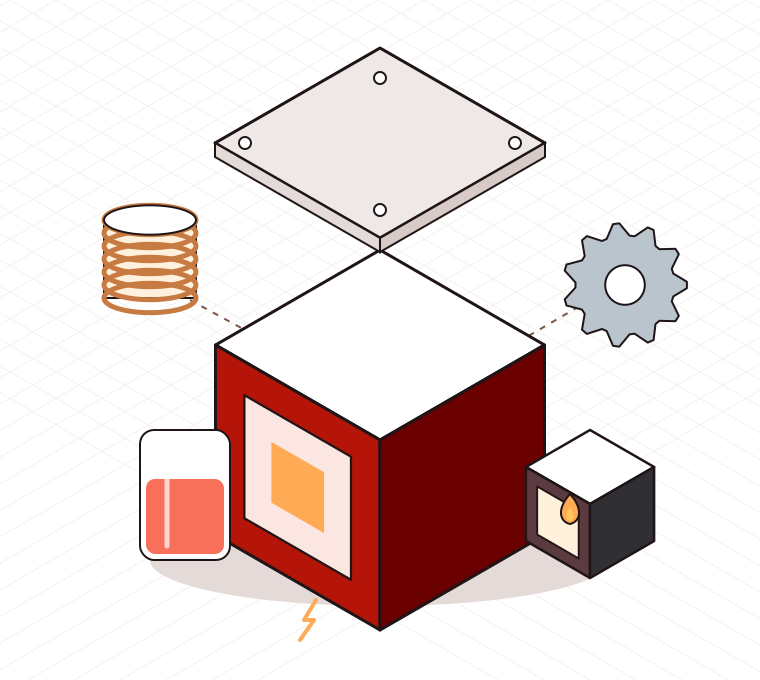
Original exploded-view illustration of a machine block with a coil, gear, fluid tank and small dynamo
About the mod

What is the Thermal Expansion mod?

Thermal Expansion is a technology mod for Minecraft Java Edition made by Team CoFH. It adds machines that process resources using energy, dynamos that generate that energy from fuel, and the settings you need to automate the whole chain.

Energy is measured in Redstone Flux, or RF. The mod has a long history in modded Minecraft. Classic releases for 1.7.10 and 1.12.2 were large all-in-one packages; modern releases split the content into the modular Thermal series, where Expansion sits on top of a shared base mod.

This site is a fan-made guide. It is not run by Team CoFH, and it links to their public source code rather than hosting files.

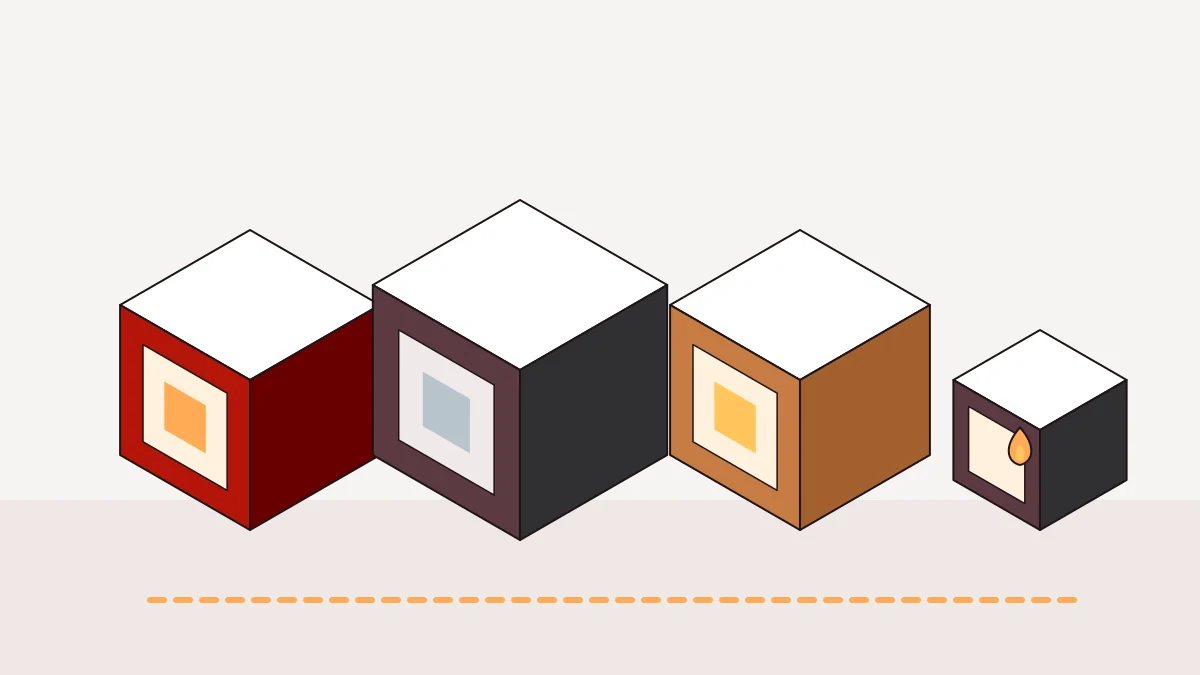
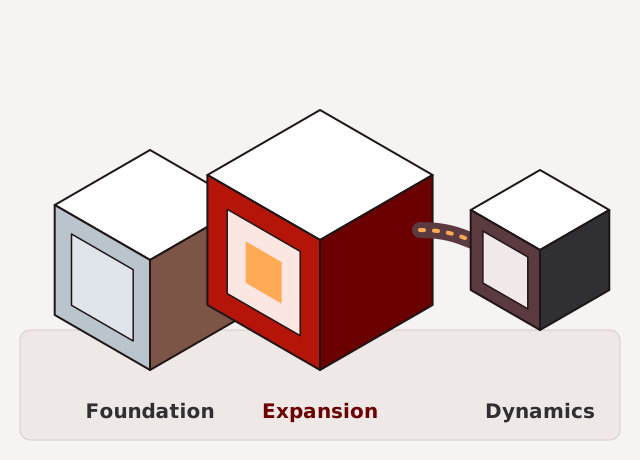
Diagram showing Thermal Foundation, Thermal Expansion and Thermal Dynamics as connected blocks
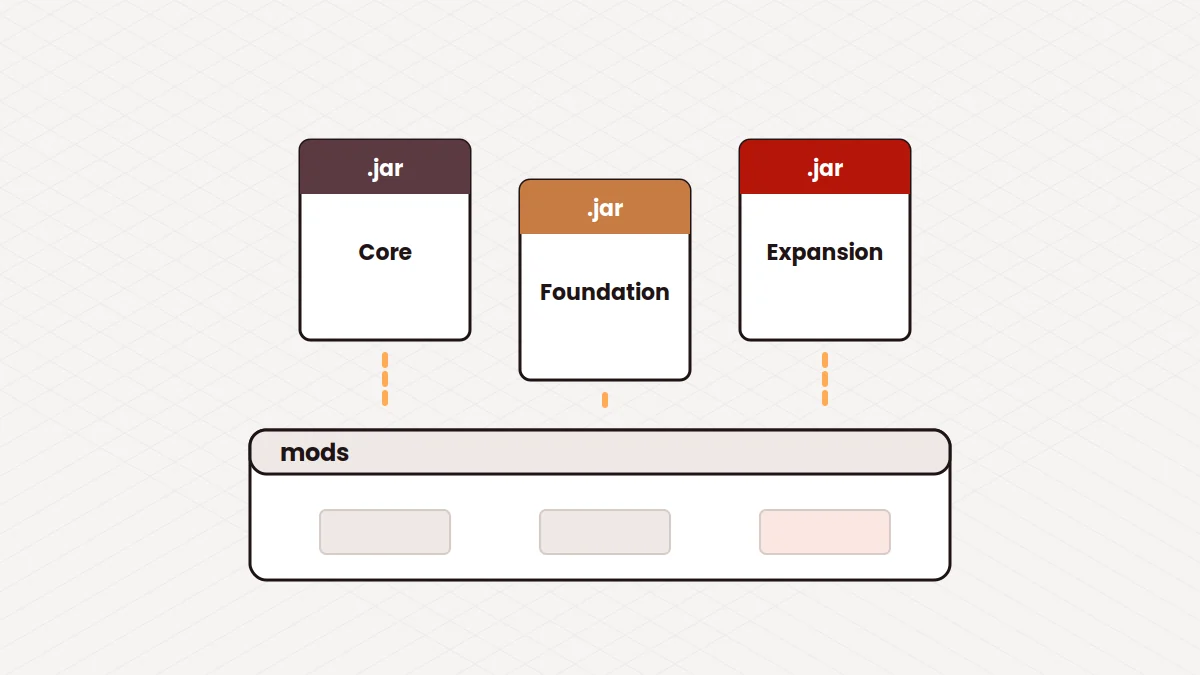
  • CoFH CoreLibrary code shared by Team CoFH mods. Required.
  • Thermal FoundationBase materials such as metals and alloys. Required.
  • Thermal ExpansionMachines, dynamos and augments.
  • Thermal DynamicsDucts for energy, items and fluids. Optional.
Features

One machine block, many attached parts

Processing machines are the centre of the mod. Everything else on this board exists to power them, connect them or tune them.

Processing machines

Each machine does one job well: grinding ore, smelting, combining materials into alloys, growing plants, melting blocks into fluids or separating mixtures. Chained together, they turn raw resources into finished materials with little hands-on work.

  • Redstone Furnace
  • Pulverizer
  • Sawmill
  • Induction Smelter
  • Phytogenic Insolator
  • Magma Crucible
  • Centrifugal Separator

Dynamos

Generators that burn coal, lava or liquid fuels to produce Redstone Flux.

Ore processing

The Pulverizer grinds ore into dust. Smelting the dust can give more ingots than smelting ore directly, sometimes with a useful byproduct.

Side configuration

Set every face of a machine to input, output, both or off. Auto-output pushes results straight into the next block.

Augments

Upgrade items that change speed, energy use or output.

Fluids and redstone control

Machines that melt, fill and use fluids, plus a redstone panel on each machine so a lever or sensor can switch a whole line on or off.

How it works

From download to a running machine

  1. 1

    Download

    Get compiled jars for one Minecraft version, or the source archive if you plan to build it.

  2. 2

    Install

    Install Forge, then drop Thermal Expansion, Thermal Foundation and CoFH Core into the mods folder.

  3. 3

    Configure

    In game, set machine sides and redstone control so each block knows where items go.

  4. 4

    Launch

    Power a Pulverizer with a Stirling Dynamo and start processing ore.

Installation and setup

Install Thermal Expansion step by step

The full walkthrough lives in the installation guide. Here is the procedure in brief.

  1. Choose one Minecraft version

    Every file you add must be built for this version. Mixing versions is the most common cause of crashes.

  2. Install Forge

    Run the Forge installer for that version, keep Install client selected, then reopen the Minecraft Launcher.

  3. Collect compiled jars

    You need Thermal Expansion, Thermal Foundation and CoFH Core. Check each release page for its dependency list.

    The source ZIP in our download section is not a mod file. Players need compiled jars.

  4. Copy the jars into the mods folder

    On Windows this is %appdata%\.minecraft\mods. Do not unzip the jars or put them in subfolders.

  5. Launch the Forge profile

    Open the Mods menu on the title screen and confirm all three mods are listed before loading a world.

Compatibility

Where Thermal Expansion runs

Search terms mention many platforms. This matrix sticks to what we can support with evidence.

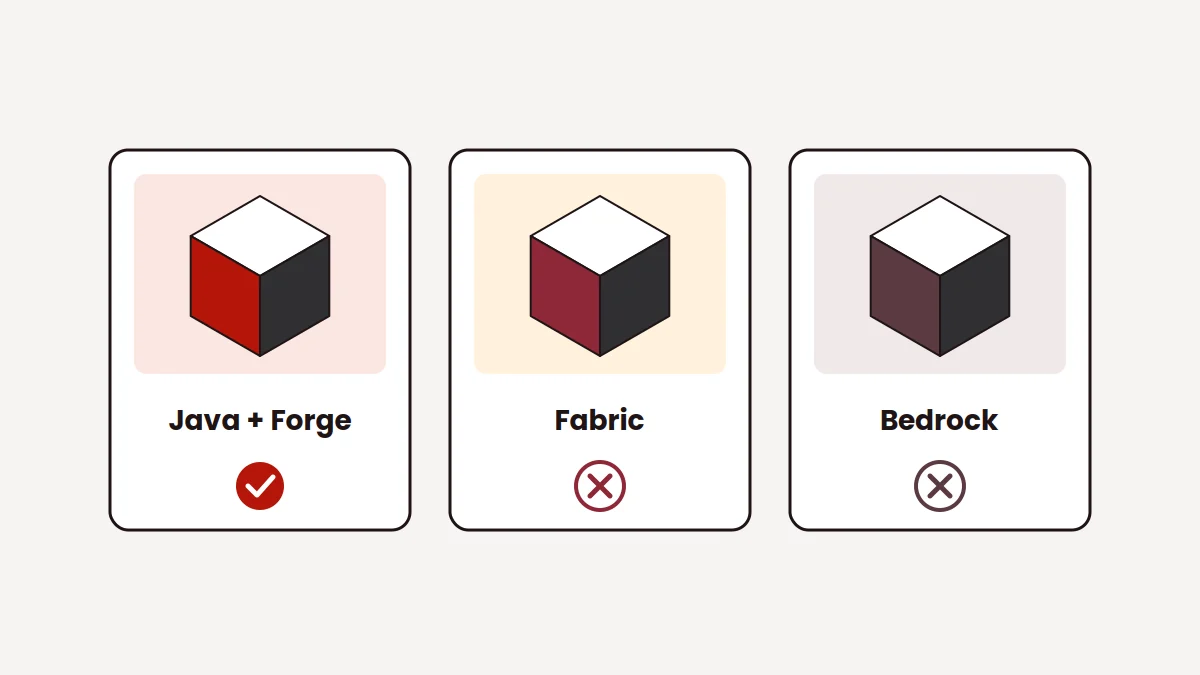
Fabric and Bedrock explained
Always confirm the exact Minecraft and Forge version on the release you download.
Platform or version Status Notes
Minecraft Java Edition Supported Thermal Expansion is a Java Edition mod.
Forge mod loader Supported Classic and modern releases are published for Forge.
Fabric mod loader No official build Loading Forge mods on Fabric through translation layers is unsupported.
Bedrock Edition Not available Bedrock cannot load Java mods. Similarly named add-ons are unrelated.
1.7.10 and 1.12.2 Classic releases Older all-in-one versions. Old Forge and Java 8. No longer updated.
Modern versions Thermal series Needs Thermal Foundation and CoFH Core for the same version.
1.17 Check first We could not confirm an official 1.17 build. See the version guide.
Release information

What the download link points to

The download on this page is a ZIP archive of the 1.20.x branch of the CoFH/ThermalExpansion repository on GitHub. GitHub builds the archive at the moment you click, so it reflects the branch as it is that day.

Because it is a branch snapshot rather than a tagged release, it has no fixed version number and may include work in progress. For a stable, numbered release, use a compiled jar from the mod's project pages.

How to build it from source
Repository
CoFH/ThermalExpansion on GitHub
Branch
1.20.x
Package type
ZIP archive of source code
Ready to play
No, it needs to be built into a jar
Version number
Not specified by a branch archive
File size and date
Change with the branch, not listed here
Use cases

Who gets the most out of it

  • Tech-focused modpacks

    Thermal machines make a natural early-to-mid game tier: approachable recipes, clear progression and plenty of room to automate.

  • Ore and resource processing

    Players who mine a lot get more from every ore with the Pulverizer and a powered furnace, then move on to alloys with the Induction Smelter.

  • Learning automation

    Side configuration and auto-output teach how inputs and outputs connect without needing complicated logistics from day one.

  • Multiplayer servers

    A shared base with one power setup and many machines works well with friends, as long as everyone runs matching versions.

  • Developers and modpack makers

    The public source code is useful for studying how a mature Forge tech mod is structured, or for testing branch changes.

Download

Download Thermal Expansion Mod source

Get the 1.20.x branch of Thermal Expansion as a ZIP from the CoFH repository on GitHub. Use it to read the code or build your own jar.

  • PackageSource code ZIP, 1.20.x branch
  • Hosted onGitHub (CoFH/ThermalExpansion)
  • TargetsMinecraft Java Edition with Forge
  • To buildA JDK and the included Gradle wrapper
Download Thermal Expansion Mod

This archive is source code, not a drop-in mod file. To play right away, install compiled jars as shown in the install guide. This site does not host or modify any files.

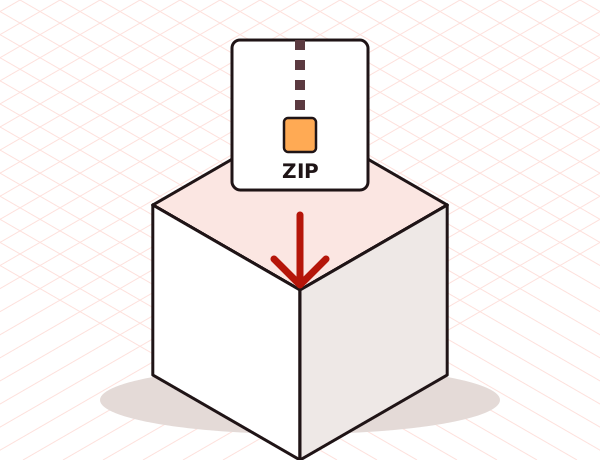
Illustration of a ZIP archive dropping into a storage crate
Troubleshooting

Diagnose the common problems

Find the symptom on the left. The full checklist is in fixing Thermal Expansion crashes.

RefSymptomLikely fix
T1

Error says a required mod is missing

Add Thermal Foundation and CoFH Core built for the same Minecraft version.

T2

Mod does not appear in the Mods list

Launch the Forge profile, not vanilla. Make sure the jar sits directly in the mods folder and is not a source ZIP.

T3

Crash mentions an incompatible version

One file targets a different Minecraft version. Replace it with the matching build.

T4

Forge asks for a newer build

Install a newer Forge for the same Minecraft version.

T5

Errors about Java or class file versions

Use the Java version your Minecraft version needs, for example Java 17 for 1.20.1.

T6

Disconnected from a server with a mod mismatch

Match your Thermal files and versions to the server's.

T7

Machine is built but does nothing

Check power, redstone control and whether the output slot is full.

Pros and cons

An honest look before you install

What works well

  • A long-established mod with a wide range of machines and dynamos.
  • Side configuration and auto-output make automation approachable.
  • Modular design lets you add only the Thermal parts you want.
  • Modern versions share energy with many other Forge tech mods.
  • Source code is publicly available on GitHub.

What to keep in mind

  • Java Edition with Forge only; no Fabric or Bedrock release.
  • Needs extra dependency jars, which trips up first installs.
  • Not every Minecraft version has a release; 1.17 is unconfirmed.
  • The linked archive is source code and must be built to play.
  • Recipes changed between eras, so older tutorials can mislead.
FAQ

Workshop manual

Twenty answers in two tool groups. Pick a tab, then open a question. The marker lights up on the entry you are reading.

Download Now